
DeeVid:AI Video Generator
ALWAYS RISING PTE. LTD.Art & Design
3.7140.00 Reviews
- Version
- 2.6.0
- Installs
- 500.00K
- Age Rating
- Everyone
Screenshots
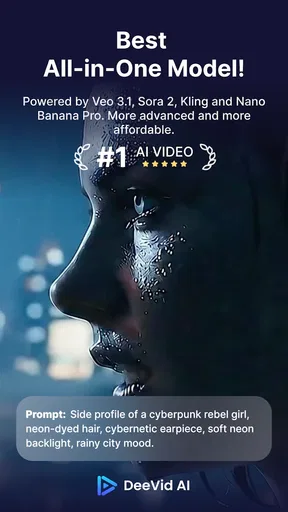
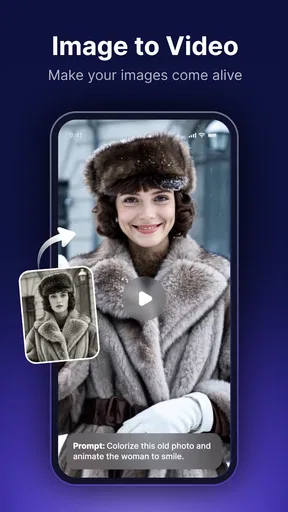
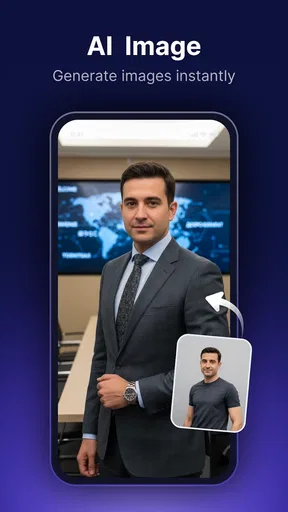
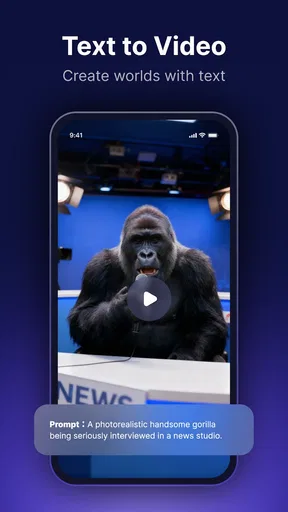
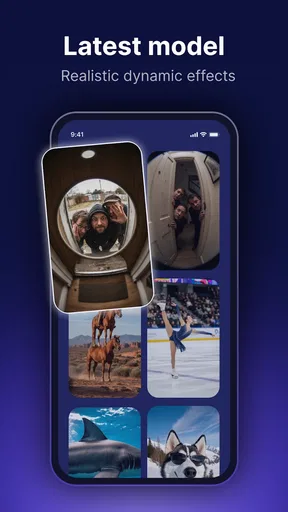
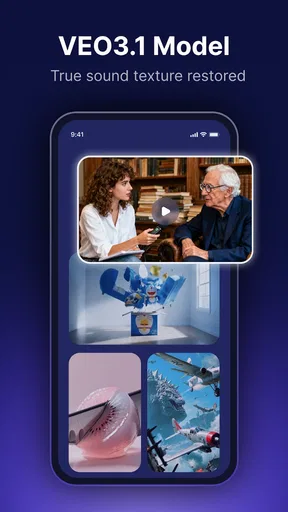
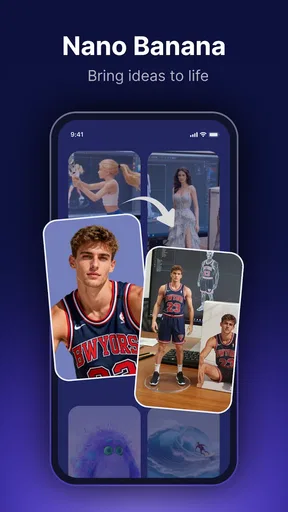
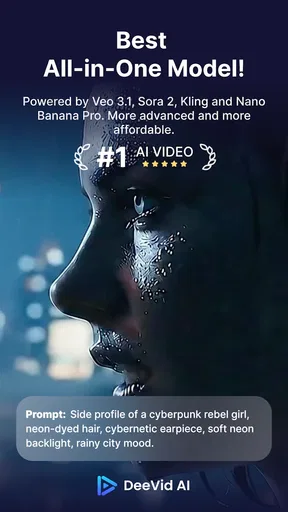
Our Review of DeeVid:AI Video Generator
 Analysis by Appyee
I think DeeVid: AI Video Generator is easiest to judge as a quick idea-making tool, rather than as a replacement for a full video editor. Its focus is turning a written prompt or an existing image into a moving clip, which makes it appealing when you have a visual concept but no footage ready. That changes the workflow: instead of arranging a timeline first, you begin with a description or a still image and see what the generator can make of it.
That approach is useful for rough concepts, social posts, and visual experiments, but it also asks you to be comfortable with results that may need another try. AI-generated motion is not the same as carefully filmed or manually animated footage. I would treat the output as a starting point to review, not as a finished asset I can automatically trust for a client presentation or a time-sensitive campaign.
Who benefits most from prompt-to-video
The app makes the most sense for someone who wants to explore an idea quickly: a small business owner testing a visual direction, a creator making a short concept clip, or a casual user curious about how a picture might look in motion. It may also help when you need a visual placeholder for a pitch or a draft post, provided you have time to inspect and revise what comes back.
For example, imagine planning a weekend café post and having a good photo of a new drink but no video footage. You could try describing a gentle camera move and the mood you want, then compare the generated clip with the original photo before deciding whether it suits the post. Keeping the prompt focused on one clear action is a sensible way to avoid asking the model to solve too many visual problems at once.
I would be more cautious if you need exact control over a person’s appearance, consistent branding, precise timing, or a dependable sequence of events. A conventional editor is better for trimming real footage, placing captions exactly, and keeping a logo or product unchanged from frame to frame. DeeVid’s generative approach is more interesting when the goal is to explore a look than when accuracy is the main requirement.
Trust, choices, and sensitive material
Because this kind of tool works with images and text, I would pause before uploading anything private. A family photo, an unpublished product image, or a document containing personal details deserves more care than a generic landscape picture. I would use material I have permission to share and avoid including sensitive information in prompts unless I am comfortable with the way the app handles it.
I also look for clear choices before committing to a paid feature or submitting content. DeeVid is free to install, but it offers in-app purchases ranging from $4.99 to $799.99 per item, so I would check the price shown in the app and what a purchase covers before confirming anything. That is especially important if you are experimenting casually: a successful test does not automatically mean you need a recurring or higher-cost option.
The app is developed by ALWAYS RISING PTE. LTD. It has a 3.4 average from around 2,200 ratings, with roughly 104 written reviews and over 100,000 installs. Those figures suggest a modest, mixed reception rather than a universally reliable experience. I would use that as a reason to test a simple idea first, not as proof that the app will or will not suit my particular device and workflow.
First Impressions
Right off the bat, the user interface of DeeVid: AI Video Generator is sleek and intuitive. Upon opening the app, you’re greeted with a clean, organized dashboard that guides you through the video creation process. It feels like the app is holding your hand, saying, "Don’t worry, I got you!" This is a huge plus for those who aren't tech-savvy.
Features That Stand Out
The app is packed with a plethora of features that cater to different video-making needs. One of the standout features is its AI-driven video editing tool. With just a few taps, the AI analyzes your video content and suggests edits that enhance the overall quality. It's like having a professional editor in your pocket!
Another feature worth mentioning is the variety of templates available. Whether you're creating a promotional video, a personal vlog, or a social media clip, there’s a template for every occasion. These templates are not only stylish but also customizable, allowing you to add your personal touch.
In practical use, I would still start with a single image and a short, concrete prompt rather than trying to describe an entire story. That gives you a more useful first result to assess: does the subject remain recognizable, does the movement fit the image, and does the mood match what you intended? If the result misses, changing one part of the prompt at a time makes it easier to understand which instruction helped.
User Experience
Using DeeVid is as easy as pie. The drag-and-drop functionality lets you effortlessly add video clips, photos, and music. The app also provides a library of royalty-free music tracks, which is a fantastic bonus. No more stressing over copyright issues!
For those who love adding text and effects, DeeVid offers a range of options. You can choose from different fonts, colors, and animations to make your video pop. The real magic happens when you see how seamlessly these elements blend into your video.
There is a useful trade-off here between generating a fresh visual and editing known footage. If the clip needs a precise caption, a particular cut, or a fixed brand color, I would finish those details in a conventional editor after the AI experiment. For a mood board or an early social concept, the generated motion may be the point; for a finished advertisement where every product detail must stay exact, it is safer to keep the source material and editing under direct control.
Performance and Reliability
In terms of performance, DeeVid runs smoothly on both Android and iOS devices. I didn’t encounter any lags or crashes, which is crucial when you’re in the creative zone. The app also supports exporting videos in high resolution, ensuring that your final product looks polished and professional.
DeeVid is an art and design app from ALWAYS RISING PTE. LTD., and its current version is 1.16.2. It is rated for Everyone and requires Android 8.0 or later. The app was released on July 23, 2025, and its core appeal is a creative workflow built around image- and text-led video generation. If you are choosing between it and a standard mobile editor, the distinction is simple: use DeeVid to explore generated motion, and choose the editor when you already have footage and need dependable, frame-by-frame control.
One practical question is whether the app is suitable for a first-time creator. I think it can be, as long as the first project is treated as a test rather than a deadline-critical deliverable. Try an image you are comfortable using, make a restrained prompt, and inspect the result before building a larger project around it. If you want to publish the clip, check that the subject, motion, and any text still look right at the size where people will actually view it.
Why You Should Give It a Shot
If you’re on the fence about trying DeeVid, let me give you a nudge. This app is perfect for anyone looking to create high-quality videos with minimal effort. It's especially beneficial for social media influencers, content creators, and small business owners who want to produce engaging content quickly.
It is not the right pick for everyone, though. I would skip it if you want a traditional editor first, if your work depends on exact continuity between shots, or if you do not want to review generated content for mistakes. Someone who mainly trims family videos, syncs clips to music, or adds consistent subtitles may get more predictable results from a conventional editing app. DeeVid is best when the generative step itself is useful, not simply because a video needs to be made.
Plus, the app is constantly updated with new features and improvements, so you’re always getting the best version of it. The developers seem committed to keeping the app fresh and user-friendly.
For a cautious first session, I would keep the scope small: choose a non-sensitive image, avoid putting identifying details into the prompt, and check any purchase screen carefully before proceeding. That workflow lets you judge the creative result without committing valuable material or money too early. If the generated clip is only a draft, keep it in that role until you have checked whether it meets your needs for accuracy and presentation.
DeeVid: AI Video Generator is like having a personal video editing studio right on your phone. It’s user-friendly, efficient, and packed with features that make video creation a breeze. So why not give it a try and unleash your creativity?
Verdict
Strengths of DeeVid:AI Video Generator
- Easy to use with intuitive interface.
- High-quality video outputs.
- Wide variety of templates available.
- AI enhances video creation speed.
- Seamless integration with social media.
Limitations of DeeVid:AI Video Generator
- Limited free features available.
- Requires strong internet connection.
- Occasional AI glitch issues.
- Subscription can be pricey.
- Mobile version lacks some desktop features.
Similar Picks in This Category
View All
Canva: AI Photo & Video Editor
Canva4.8

PENUP – Drawing-sharing SNS
Samsung Electronics Co., Ltd.4.5

Crafto
Kutumb App4.6

Sketchbook
Sketchbook4.1

ibis Paint X
ibis inc.4.5

Adobe Express: AI Photo, Video
Adobe4.6
Frequently Asked Questions
What is DeeVid: AI Video Generator used for?
DeeVid: AI Video Generator is an innovative app designed to help users create professional-quality videos using AI technology. It provides a seamless experience for generating videos with custom templates, effects, and transitions. Whether for business presentations, social media, or personal projects, DeeVid offers tools to enhance creativity and efficiency.
How easy is it to use DeeVid for beginners?
DeeVid is user-friendly and suitable for beginners. The app offers an intuitive interface with step-by-step guides and tutorials, making it accessible for those new to video editing. Its AI-driven features simplify complex tasks, allowing users to create polished videos without prior experience in video production.
What are the key features of DeeVid: AI Video Generator?
Key features of DeeVid include AI-assisted video editing, customizable templates, advanced effects, transitions, and support for various video formats. The app also offers voiceover capabilities, background music options, and easy integration with social media platforms, making it a comprehensive tool for video creation.
Is DeeVid: AI Video Generator available for both Android and iOS?
Yes, DeeVid: AI Video Generator is available for both Android and iOS devices. Users can download it from the Google Play Store or the Apple App Store, ensuring compatibility across a wide range of smartphones and tablets. Regular updates keep the app running smoothly on both platforms.
Are there any costs associated with using DeeVid?
DeeVid offers a free version with basic features, suitable for casual users. For more advanced tools and features, there is a subscription model available. This premium option provides access to a wider range of templates, effects, and other exclusive content, offering value for users seeking more professional video creation capabilities.
